For gyms
Reverfit for gymsReverfit for boxesPricingFree
Your reformer spots,
without keeping the list by hand
Six, eight or twelve spots per class, session packs that count down on their own and a waitlist that sorts itself out without you checking your phone between classes.
What it takes to run a studio with few spots
The fewer spots a class has, the more every empty one costs.
- Every spot is worth a lot. In a room of eight, someone missing without notice isn't a gap: it's an eighth of the class. And there's almost always someone who would have taken it.
- Class packs are kept in a notebook. «How many do I have left?» is everyone's Monday question. If the counter lives in a notebook or in your head, sooner or later you'll argue over a session.
- You are the waitlist. A spot frees up and the next person has to be told between one class and the next, with your hands on the reformer.
- And payment always comes late. You teach the class, the membership expired on Tuesday and you remember on Friday. Nobody wants to talk about money at the studio door.
How it works here
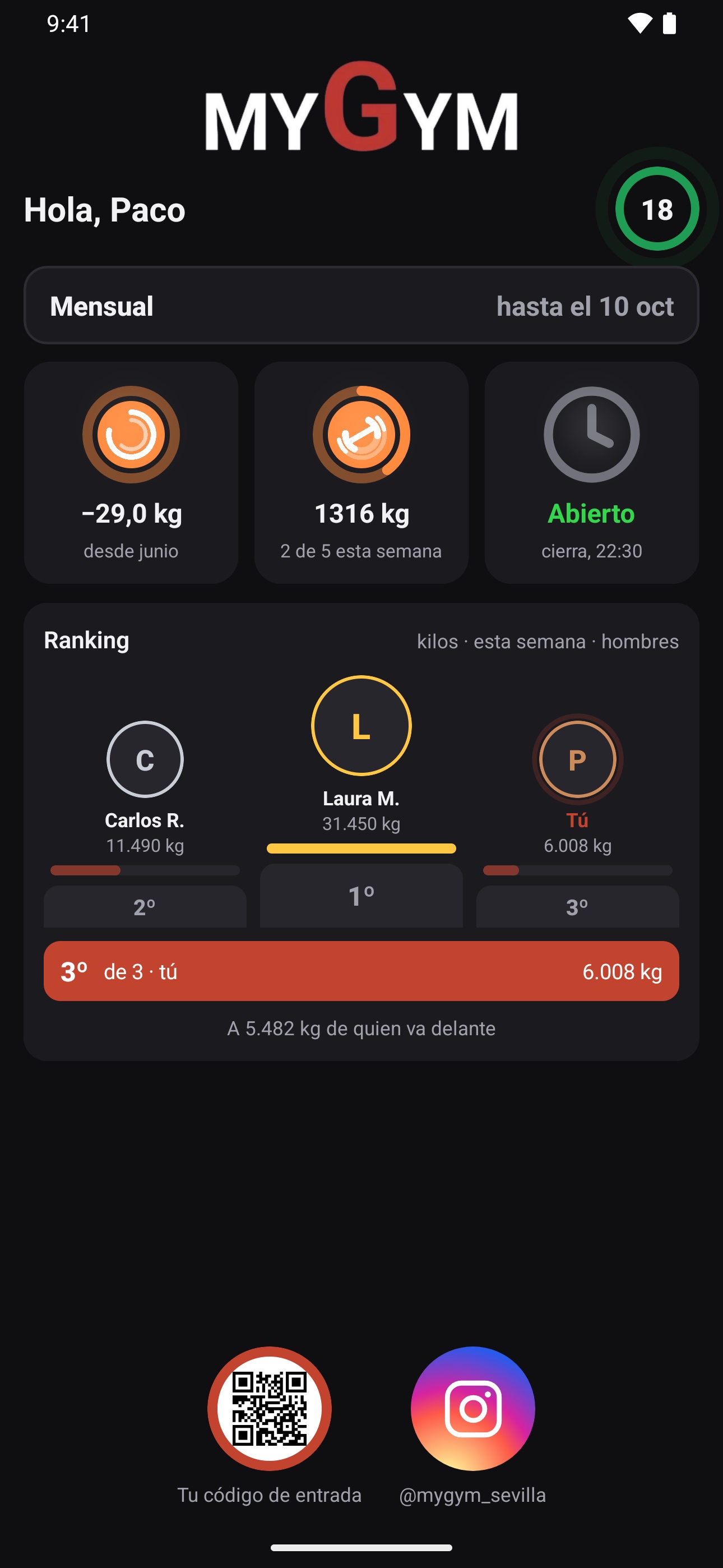
The screen your client books from, with your studio's name and colors.
- Spots counted, room by room. You build your week with each activity, its room and its exact spots. If you have two rooms at once, each with its own.
- Class packs with their counter in plain sight. Besides the monthly membership, you can sell session packs. Used and remaining sessions show on the profile and at the front desk, for you and for whoever is attending.
- The waitlist sorts itself out. When a spot frees up it's offered to the first person and they get a notification on their phone. You don't have to do anything.
- The cancellation rules are yours. Up to how many hours before a class can be canceled without a penalty, how many minutes before booking closes and whether you want no-shows recorded.
- With your studio's name. When she signs in with her code, your client sees your studio: your logo, your colors, your classes and your announcements. The app is called Reverfit Member and has its usual icon.
What you won't find here
We don't stream video classes or store recorded classes: if your studio sells online sessions, you'll keep handling that in another tool. It doesn't open turnstiles or doors either. If you only teach one-on-one sessions, with no timetable or spots, this is more software than you need.
Frequently asked questions
Can I have two rooms with different schedules?
Yes. Each activity has its room and its spots, and the timetable shows both at once.
Do class packs count down on their own?
The pack is sold with its number of visits and carries a counter of used and remaining sessions on the client's profile, so nobody has to rely on memory.
What if my client doesn't want to install anything?
She downloads Reverfit Member for free from the App Store or Google Play and signs in with the code you give her. And if she doesn't want to install anything, she opens it from your link in the browser. The icon is Reverfit Member's; once inside she sees your studio: your logo, your colors and your announcements.
How much does it cost for a small studio?
$49 a month for management the first year and $59 after that, without VAT, with bookings and class packs included, however many clients you have. The workout and diet apps are separate modules, in case they fit you.
Can I try it with my real schedule?
Yes, for 7 days with no card. Set up your real week and see how it looks before moving a single piece of your data.
Keep reading
- Flat price, no per-member fees. Management software for your gym at a flat monthly price: 60 members or 600, it costs the same. Run the numbers with this month's bill and compare.
- Boxes and functional training. Workout of the day, whiteboard with RX and scaled, PRs, the gym TV and bookings with a waitlist. Memberships by direct debit or Bizum. A flat price per box.
- Combat sports and martial arts. Boxing, kickboxing, jiu-jitsu, judo, karate or MMA: each discipline with its schedule and capacity, family memberships and passes, and entry control. Flat price.
- Personal trainers. Your clients with their workout plan and diet on their phone, your name in the app, their session packs and what they train in plain sight. Flat price.
- The management software, inside. The modules, what each one does and the prices.
- How to collect your gym's membership fees. SEPA direct debit step by step, the 14-day notice, the 8-week refunds, cards, cash, and what Spanish law says about cancellations and fee increases.
- How much gym software costs. The prices each program publishes in 2026, the three ways they charge (per member, per gym or by quote) and what the price leaves out: the app with your brand, the fees and the migration.
- How to switch gym software without losing anything. What to ask your current program for before you leave, what data to take with you (members, fees, payments, photos and SEPA mandates) and how to switch without interrupting payments.
Set up your week and take a look
A seven-day trial with sample clients, no payment details and no lock-in.
Try it free for 7 days‹ See the modules and prices